
Solutions for your space
Different spaces. Solutions built around you.
A screen is just the starting point. Explore how displays, audio and software can come together to help your customers, teams and learners connect.
Find your starting point
Three scenarios, many possibilities.
These examples show how a solution can be shaped around a space and its goals. Your project can combine different technologies, locations and workflows.
01 / Retail & shopping malls
Turn every customer touchpoint into an opportunity.
From the shopfront to the point of decision, a coordinated display experience can help customers discover, navigate and engage with your brand.
Attract at the entrance
Use outdoor LED, window displays or digital posters to introduce campaigns and draw attention to your space.
Guide and inspire inside
Place signage at entrances, escalators and key aisles for promotions, directions and product information. LED or LCD video walls can anchor larger spaces.
Keep campaigns current
Connect suitable screens to signage management software so your team can prepare, schedule and update content across locations.
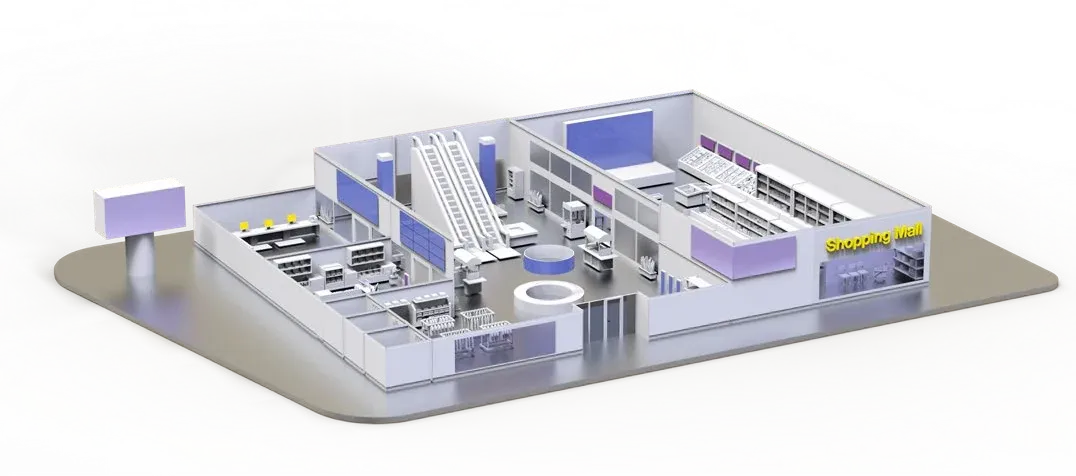
- 1Entrance displays
- 2In-mall promotions
- 3High-traffic areas
Illustrative purposes. The final configuration is tailored to your space.
02 / Enterprise & workplaces
Make your workplace communicate better.
Give visitors a memorable welcome and give teams the tools to share information, present ideas and collaborate across rooms.
Welcome and inform
Use a lobby display or LED wall to introduce your organisation, and signage along corridors to share notices and wayfinding information.
Bring meetings together
Match interactive displays, presentation screens, cameras and audio to the size of the room and the way your team meets.
Showcase your story
Create an exhibition or experience space with large-format, curved or other creative LED displays designed around the environment.
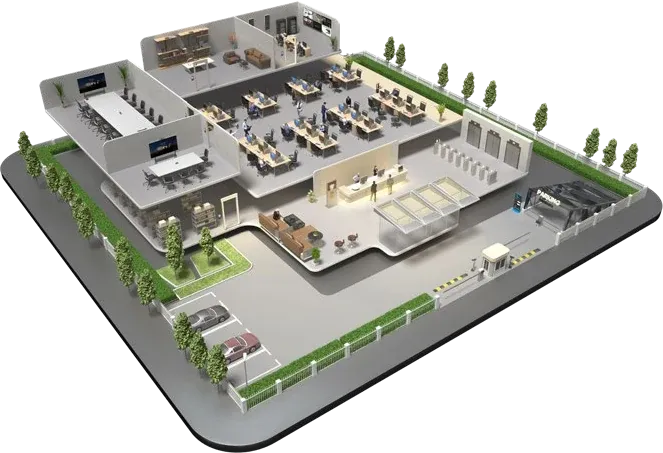
- 1Reception and lobby
- 2Meeting rooms
- 3Exhibition spaces
Illustrative purposes. The final configuration is tailored to your space.
03 / Multi-classroom learning
Connect classrooms around a shared lesson.
A teacher in one classroom can share a lesson with learners in another, bringing video, audio and teaching materials into a connected learning experience.
Teach and share
Use an interactive display to present course materials and annotate content, with a shared virtual whiteboard supporting participation between rooms.
See and hear the class
Combine a teacher camera, classroom microphones and speakers with suitable collaboration software for two-way audio and video.
Revisit the lesson
A suitable education sharing device can record sessions for later review. The system can be planned around the number of classrooms and how they interact.
For simultaneous interaction with multiple classrooms, the referenced Hikvision solution requires an additional interaction service. The final setup depends on your rooms, network and requirements.
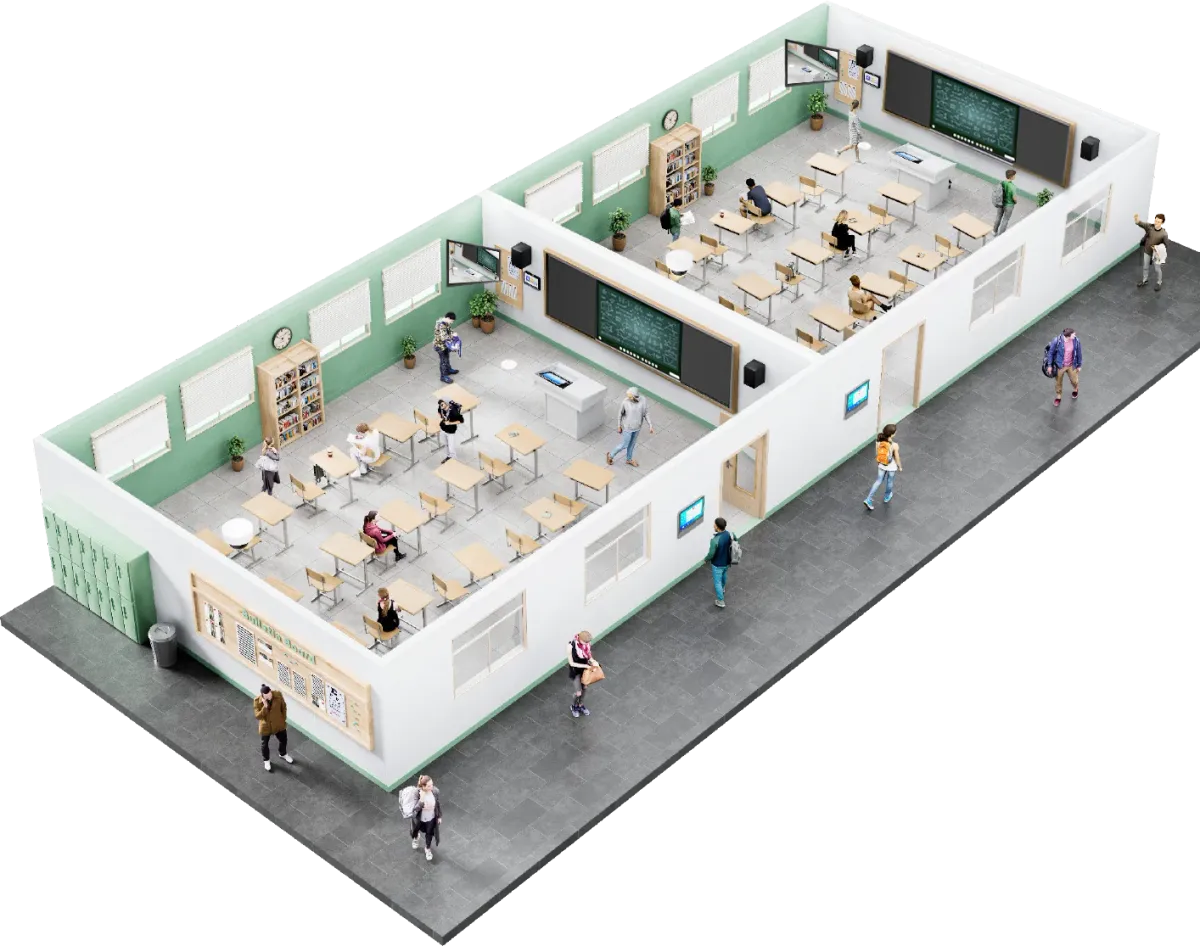
- 1Main classroom
- 2Connected classroom
Illustrative purposes. The final configuration is tailored to your space.
Designed around your needs
Let’s make the right pieces work together.
Whether you are planning one room or multiple locations, tell us what you want to achieve and we can discuss a suitable configuration.
Your space
Layout, viewing distance and environment
Your experience
Content, interaction and everyday use
Your setup
Connectivity, management and room requirements